
OVERVIEW
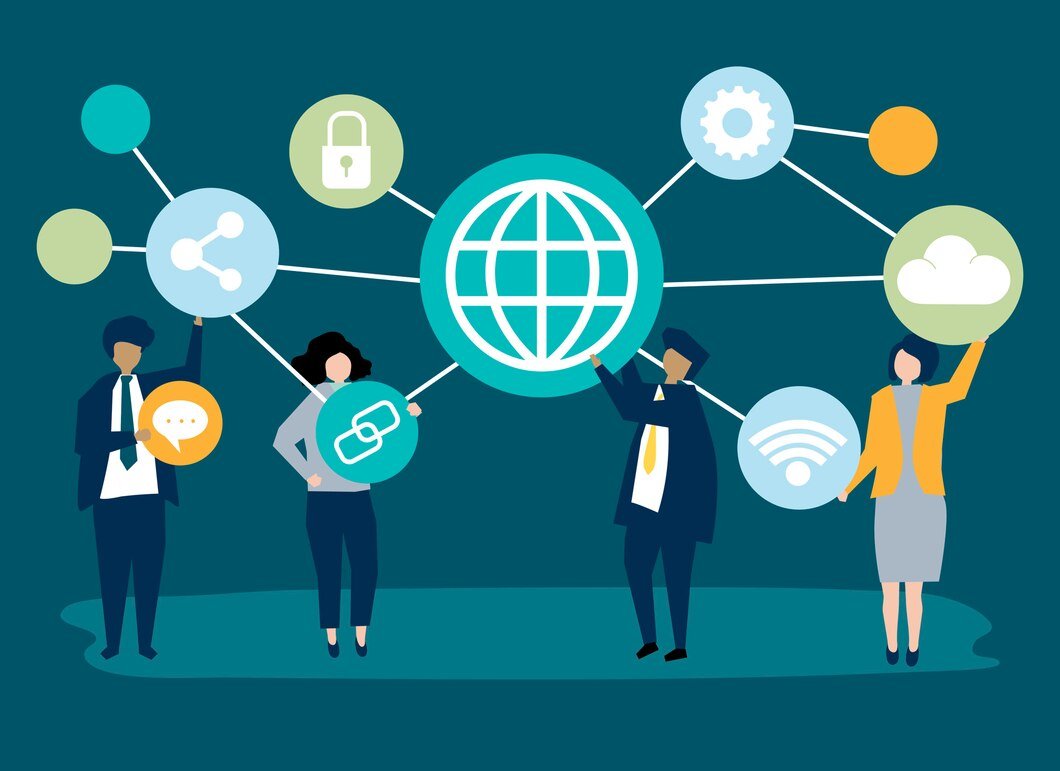
Hardware and Networking form the foundation of modern information technology. Hardware refers to the physical components of a computer system, including the processor, motherboard, memory, storage devices, and peripherals like printers and scanners. These components work together to perform computing tasks efficiently. Networking, on the other hand, connects multiple computers and devices to share data, resources, and internet access. It involves the use of routers, switches, modems, and network cables, along with communication protocols like TCP/IP to ensure smooth data transmission.
Benefits of Hardware and Networking Training Course in Vellore
Enables smooth data transfer and communication between computers and devices.
Allows multiple users to share printers, files, and internet connections, reducing costs.
Improves workflow and collaboration across teams and departments.
Modern hardware ensures quick processing and better system efficiency.
Networking allows users to access data and systems from any location.
COMPUTER HARDWARE
Introduction to Computer Hardware
Internal Components of a Computer
- Motherboard
- Central Processing Unit (CPU)
- Memory Devices
- Primary Storage (RAM, ROM, Cache)
- Secondary Storage (HDD, SSD, NVMe)
- Optical Storage (CD/DVD)
- Power Supply Unit (PSU): Types and efficiency ratings
- BIOS/UEFI Firmware
Input and Output Devices
- Input Devices: Keyboard, Mouse, Scanners, Touch Devices
- Output Devices: Monitors (CRT, LCD, LED), Printers (Inkjet, Laser), Speakers
- Interfaces and Connectors (USB, HDMI, DisplayPort)
Peripheral Components
- Graphics Cards
- Sound Cards
- Network Cards
- External Storage Devices
- Expansion Cards
Operating Systems Installation
- Windows
- Linux (Ubuntu, Debian, Fedora, Redhat, Kali Linux, Linux Mint)
- Dual Operating System Installation
Drivers
- Device Manger
- Install Drivers and Utilities
- Driver Pack solutions
Windows User Data Backup and Reinstall OS
Windows Disk Management
Control Panel Itemss
Computer Management Items
List of Command Prompt (CMD)
User accounts, Local User and Groups
Install Basic Software and Application
- MS-Office, Antivirus, WinRAR, VLC Player, Any Desk & Browser
Hiren Boot PE
- (Live Mode, Data Recovery, Product key backup, Windows Error fix, Hard disk Clone, Password Crack, Data Backup)
Storage Technology and Data Management
- File Systems (FAT32, NTFS, EXT)
- RAID Configurations (RAID 0, 1, 5)
- Data Recovery Techniques
Assembly and Disassembly of Computers
- Precautions and Safety Measures
- Tools for Assembly/Disassembly
- Step-by-Step Process
- Troubleshooting during assembly
Troubleshooting and Maintenance
- Identifying common hardware issues
- Diagnostic tools and techniques
- Preventive Maintenance (Dusting, Thermal Paste Replacement)
- Power and Performance Optimization
Hardware Security
- Physical security measures
- Hardware-based encryption
- Anti-tampering technologies
Practical Sessions and Projects
- Assembling a complete PC system
- Replacing or upgrading hardware components
- Setting up RAID configurations
- Building a budget gaming PC or workstation
COMPUTER NETWORKING
Introduction to Networking
- Definition and Importance of Networks
- Types of Networks: LAN, WAN, MAN, PAN
- Networking Models: Peer-To-Peer, Client-Server
- Network Topologies: Bus, Star, Ring, Mesh, Hybrid
Network Protocols and Standards
- OSI Model (Layers and Functions)
- TCP/IP Model
- Common Protocols: HTTP, FTP, SMTP, IMAP, DNS, DHCP
- Ipv4 Vs. Ipv6
Network Hardware Components
- Network Interface Cards (NIC)
- Switches, and Routers
- Modems, Access Points, Gateways
- Cabling And Connectors (Twisted Pair, Fiber Optic, Coaxial)
IP Addressing and Subnetting
- Ipv4 Addressing: Structure and Classes
- Public Vs. Private IP Addresses
- Subnetting Techniques and Calculations
- CIDR Notation
Wireless Networks
- Wireless LAN (WLAN) Standards (802.11 Family)
- Wi-Fi Security Protocols (WPA, WPA2, WPA3)
Network Security
- Firewalls And Intrusion Detection Systems (IDS)
- Virtual Private Networks (VPNS)
- Secure Socket Layer (SSL) And TLS
- Network Security Best Practices
Network Management and Monitoring
- SNMP (Simple Network Management Protocol)
- Network Troubleshooting Tools (Ping, Traceroute, Netstat)
- Bandwidth Monitoring Tools
- Network Performance Analysis
Cloud And Virtualization in Networking
- Basics Of Cloud Networking
- Virtualization Technologies
- SDN (Software-Defined Networking)
- Network Function Virtualization (NFV)
Practical Sessions and Projects
- Network Setup and Configuration Using Router, Switches, Repeater and Access Point
- Designing And Implementing a Small Office Network
- Securing A Wireless Network
- Subnetting Exercises
- Configuring VLans And Routing
- Static Vs. Dynamic Routing
- Routing Protocols
- VLans And Trunking